Simple appointment booking for counseling practices
Let clients request a session online, keep each therapist's hours separate, and send a reminder before every appointment.
Designed for small private practices that need plain appointment booking
Practice
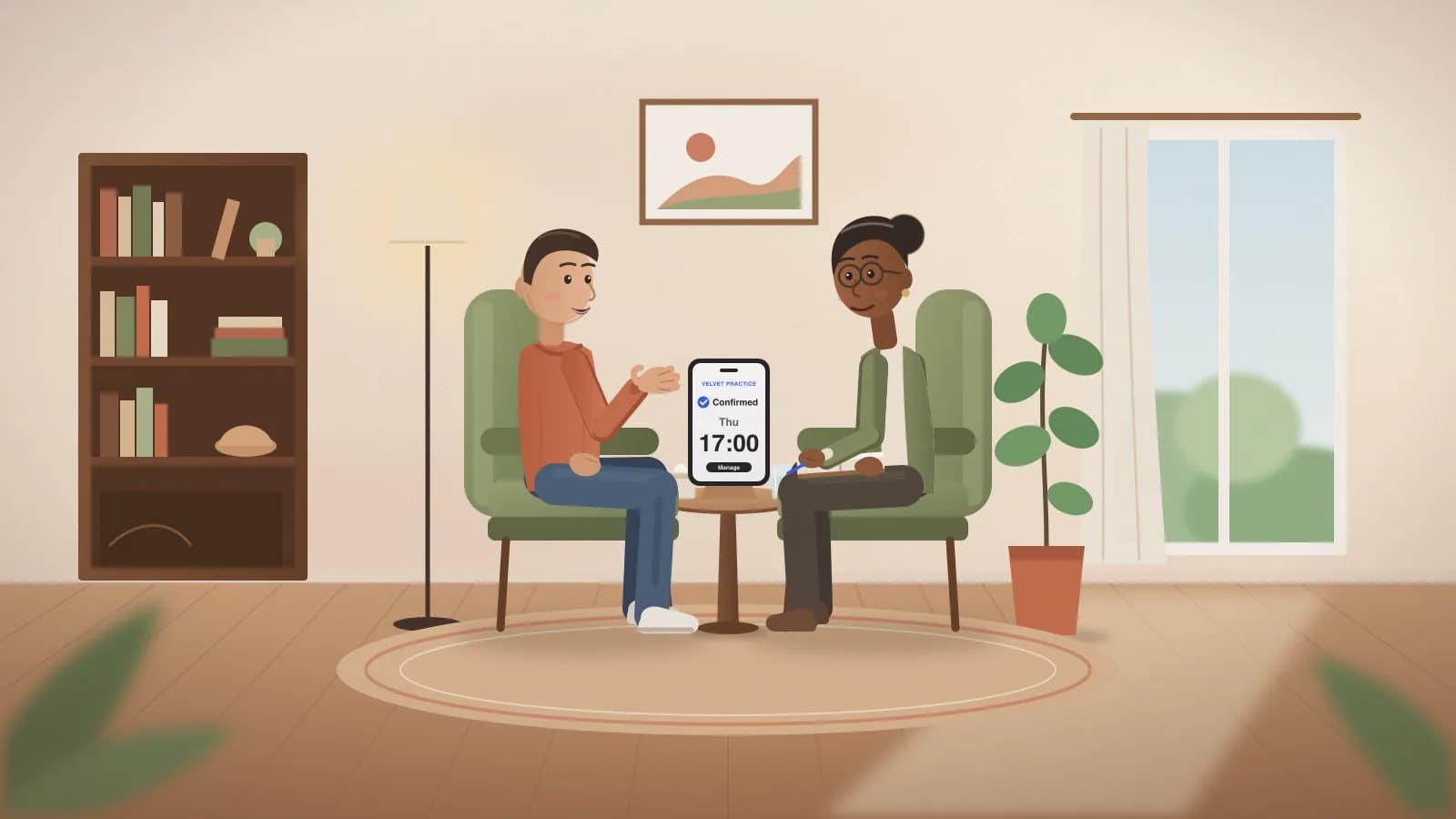
A booking experience shaped for therapy & counseling.
Example owner calendar · Ana
Today's appointments
Mila
First consultation
Leo
50-minute session
Nora
Follow-up session
Manual bookings and approved requests share the practice calendar. Reminder channels can be enabled separately.
Manage sessions and clients on one calendar.
Use therapy & counseling labels, add a phone booking, review online requests, and approve them when needed. Email reminders are free on every plan; texts and WhatsApp use message credits, included on Starter and Pro.
A client can see what was booked and what happens next.
The portal shows the service menu, team member, appointment status, business details, and secure manage link.
Client portal
Therapy & Counseling Portal
First consultation
90 min with Ana
Pick a time
Your details
Request received
We will confirm and send your manage link.
Client message
Appointment details with a manage link.
Hi Mila, your appointment request at Therapy & Counseling was received: Wednesday at 10:30 with Ana. We will text you again when it is approved.
Sample manage link
Workflow in context
Connect the public booking page to the owner calendar.
A direct path from request to confirmation.
Slot Turn connects the service, professional, slot, approval, confirmation, reminder, and manage link.
Owner opens a real slot
Tap the calendar, choose the service, enter the client, and pick reminder channels.
Client requests a time
They choose service, professional, and time from a branded portal that feels like the business.
Owner approves
Pending requests stay visible until the owner confirms or declines them.
Confirmation + portal link
Client receives a friendly message with a secure manage link for rescheduling, canceling, or staying in touch.
Features for this business type.
Start free and compare the published plan limits.
Check the professional, booking, reminder, and branding limits before choosing a paid plan.
- 1 active bookable professional
- 100 bookings/month
- Online booking page
- Email reminders (texts with a credit pack)
- 1 active bookable professional
- Unlimited bookings
- Custom booking website
- Email reminders (texts with a credit pack)
- Calendar subscriptions
- Editable QR codes
- Remove Slot Turn branding
- Up to 5 active bookable professionals
- Unlimited bookings
- 1,000 message credits a month for texts and WhatsApp
- Text, WhatsApp and email reminders
- Appointment reports and CSV export
- Calendar subscriptions
- Editable QR codes
- Remove Slot Turn branding
- Unlimited active bookable professionals
- Unlimited bookings
- 3,000 message credits a month for texts and WhatsApp
- Text, WhatsApp and email reminders
- Appointment reports and calendar subscriptions
- Repeat appointments
- Waitlist offers
- Editable QR codes
- Remove Slot Turn branding
Questions from therapy & counseling owners.
Is Slot Turn HIPAA-compliant?+
No. Slot Turn does not offer a BAA and is not built to hold protected health information. Use it for appointment times and contact details only, and check your local rules before you start.
Can I keep session notes or intake forms in Slot Turn?+
No. Appointment notes are for booking context, not clinical records. Keep session notes and intake forms in your practice records system.
Does Slot Turn run video sessions?+
No. Slot Turn books the appointment. Share your video link through the tool you already use for online sessions.
Can a client keep the same weekly slot?+
On Pro, create a repeating series from the owner calendar. Clients booking online book one session at a time.
Does it handle insurance or billing?+
No. Slot Turn does not take payments, bill insurance, or produce superbills. Keep billing in the system you use today.
Slot Turn helps you run bookings and talk to clients. It does not replace your legal cancellation policy, payment provider terms, or regulated-industry compliance requirements.
Want to see it with your own services?
Tell us a bit about your business and we'll walk you through it, or help you move over from the booking app you use now.
Ready when you are
Set up therapy & counseling booking around your own services and hours.
Start with a preset, test the client portal, and check the owner calendar before sharing the link.