Auto repair shop scheduling that protects your hours on the tools
Oil changes and other routine work book online. Diagnosis and bigger repairs start with a request: you send a proposal, and the job goes on the calendar only when the customer accepts, online or by phone.
Built for owner-mechanics running a 1–2 bay shop
Shop
A booking experience shaped for auto repair.
Example owner calendar · Marcus
Today's appointments
Mila
Brake inspection
Leo
Oil change
Nora
Diagnostic scan
Manual bookings and approved requests share the shop calendar. Reminder channels can be enabled separately.
Book the mechanic and bay for the work you can schedule.
Offer routine jobs at known durations. For diagnosis or larger repairs, review the request and send a proposal before putting the agreed work on the calendar. Job cards, parts and invoicing stay in your shop tools.
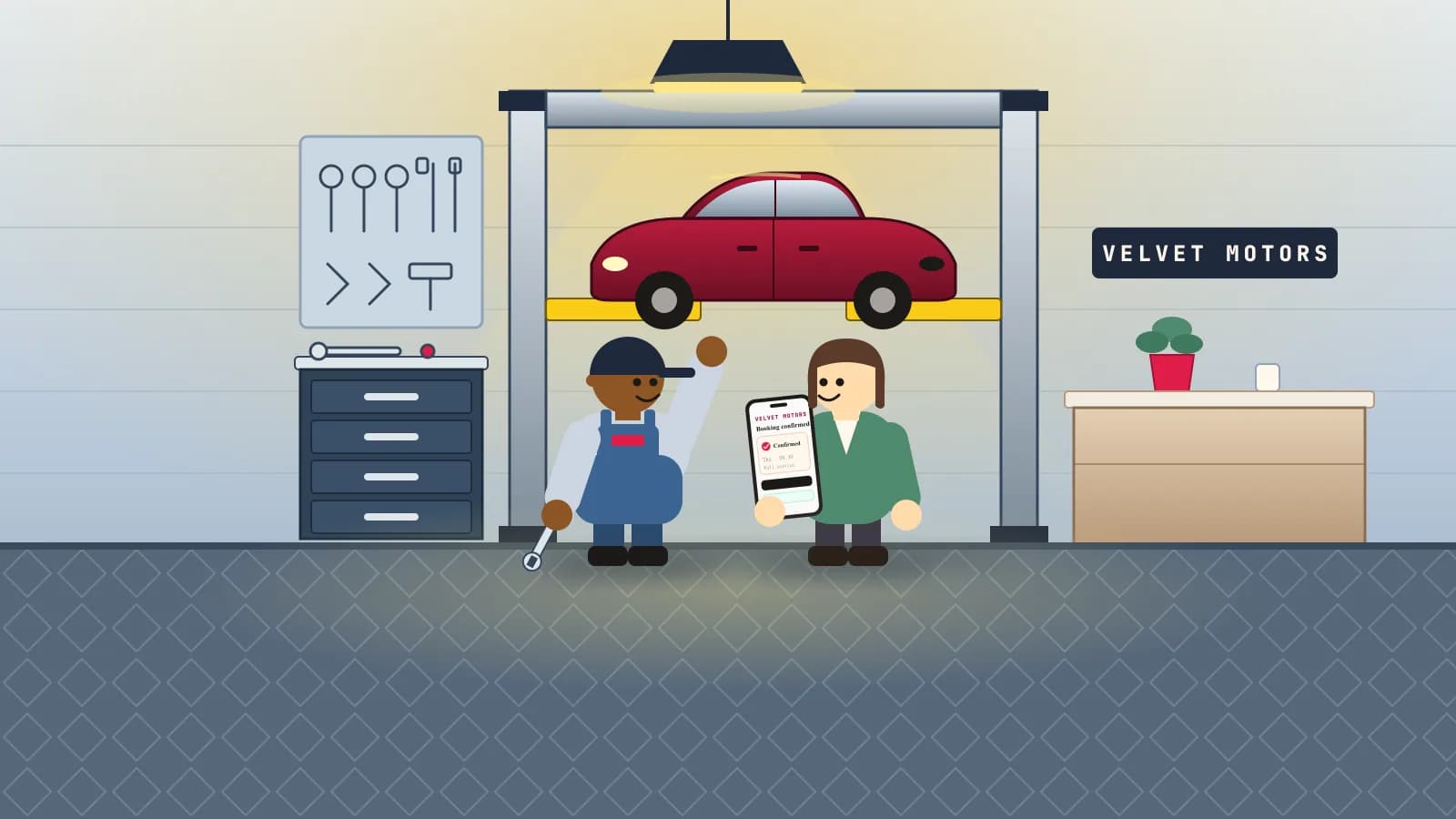
Customers can see whether a job is requested or confirmed.
Explain which jobs book directly and which need a proposal. Customers can accept a proposal online, or you can record their agreement by phone, before the job is booked.
Client portal
Auto Repair Portal
Oil & filter change
45 min with Marcus
Pick a time
Your details
You're booked
Your confirmation and manage link are on their way.
Client message
Appointment details with a manage link.
Hi Mila, you're booked at Auto Repair: Wednesday at 10:30 with Marcus. Use your manage link to reschedule or cancel.
Sample manage link
Between appointments
Take the booking admin off the bench. Job cards and invoices stay where they are.
Protect your hours on the tools without replacing your shop system.
Turn on owner approval and nothing is booked until you approve it. Bays and mechanics are booked together, so a request only takes a time when a free bay and enough mechanics are free. Job cards, parts, vehicle records, and invoices stay in the tools your shop already uses.
Owner opens a real slot
Tap the calendar, choose the service, enter the client, and pick reminder channels.
Client requests a time
They choose service, professional, and time from a branded portal that feels like the business.
Owner approves
Pending requests stay visible until the owner confirms or declines them.
Confirmation + portal link
Client receives a friendly message with a secure manage link for rescheduling, canceling, or staying in touch.
More ways to manage the day.
Choose a plan for your team.
Start with the free plan, or choose a paid plan for more bookings, staff and message credits.
- 1 active bookable professional
- 100 bookings/month
- Online booking page
- Email reminders (texts with a credit pack)
- 1 active bookable professional
- Unlimited bookings
- Booking website without the SlotTurn badge
- 300 message credits a month for text and WhatsApp reminders
- Text, WhatsApp and email reminders
- Appointment reports and CSV export
- Calendar subscriptions
- Repeat appointments
- Editable QR codes
- Remove SlotTurn branding
- Up to 5 active bookable professionals
- Unlimited bookings
- 1,000 message credits a month for texts and WhatsApp
- Text, WhatsApp and email reminders
- Text and WhatsApp confirmations
- Appointment reports and CSV export
- Calendar subscriptions
- Repeat appointments
- Waitlist offers and return reminders
- Editable QR codes
- Remove SlotTurn branding
- Unlimited active bookable professionals
- Unlimited bookings
- 3,500 message credits a month for texts and WhatsApp
- Text, WhatsApp and email reminders
- Text and WhatsApp confirmations
- Appointment reports and calendar subscriptions
- Repeat appointments
- Waitlist offers and return reminders
- Editable QR codes
- Remove SlotTurn branding
Questions from auto repair owners.
Can customers describe their vehicle problem?+
Yes. Requests collect vehicle details, the problem, a name, an email and an optional phone number for a call back. No customer account is required.
Which jobs can customers book online?+
Services you mark as booked online, such as oil changes and tyre swaps, go on the calendar with a mechanic and bay. Services you mark as request-only, such as diagnosis and bigger repairs, start with a proposal the customer accepts.
When is the time reserved?+
For a request, only after the customer accepts your current proposal, online or by phone, and availability is rechecked. Sending or revising a proposal does not reserve a mechanic or bay.
How do drop-offs work?+
A bay is held for the labour, not for the whole day. If a car must stay on the lift waiting for parts, mark that on the proposal. If you set up parking spaces, a drop-off needs a free space for the whole stay.
What happens if I need to change a confirmed job?+
For a job that started as a request, update the ready time and the customer is emailed the new time, with no new acceptance. Other changes need a replacement proposal, and the original reservation stays in place until the customer accepts it.
SlotTurn helps you run bookings and talk to clients. It does not replace your legal cancellation policy, payment provider terms, or regulated-industry compliance requirements.
Want to see it with your own services?
Tell us a bit about your business and we'll walk you through it, or help you move over from the booking app you use now.
Ready when you are
Set up auto repair booking around your own services and hours.
Start with a preset, test the client portal, and check the owner calendar before sharing the link.